Teacher playbooks are available to provide guidance for successfully launching the 95 Phonics Core Program® (PCP) and/or Sortegories™ as Tier 1 solutions.
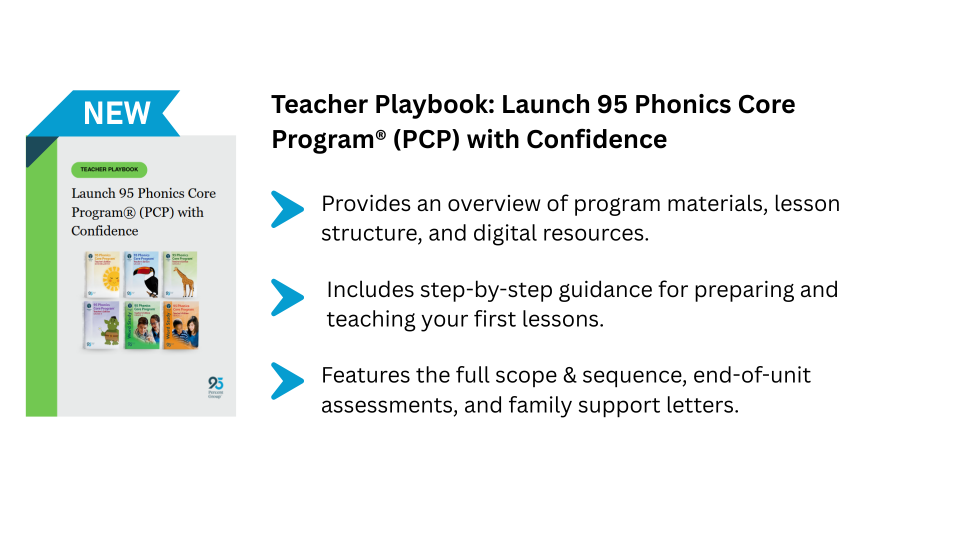
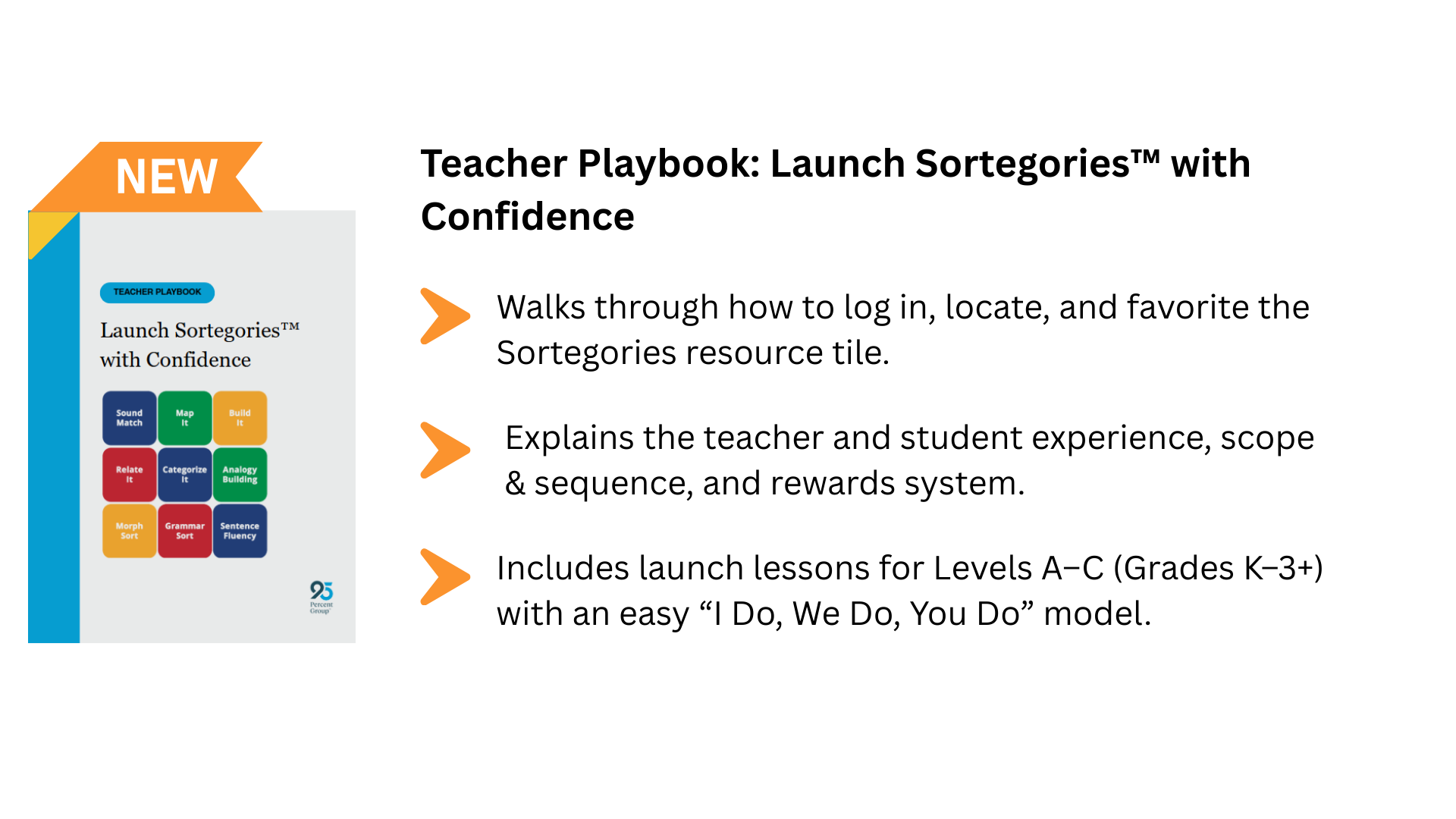
These playbooks can be found in any PCP resource tile or the Sortegories resource tile in One95™.
Note: Educators must be assigned to PCP resources or have Sortegories enabled in their district to access the resource tiles.1. Navigate to the Resources page by selecting Resources from the navigation panel.
2. Locate any PCP resource tile or the Sortegories resource tile.
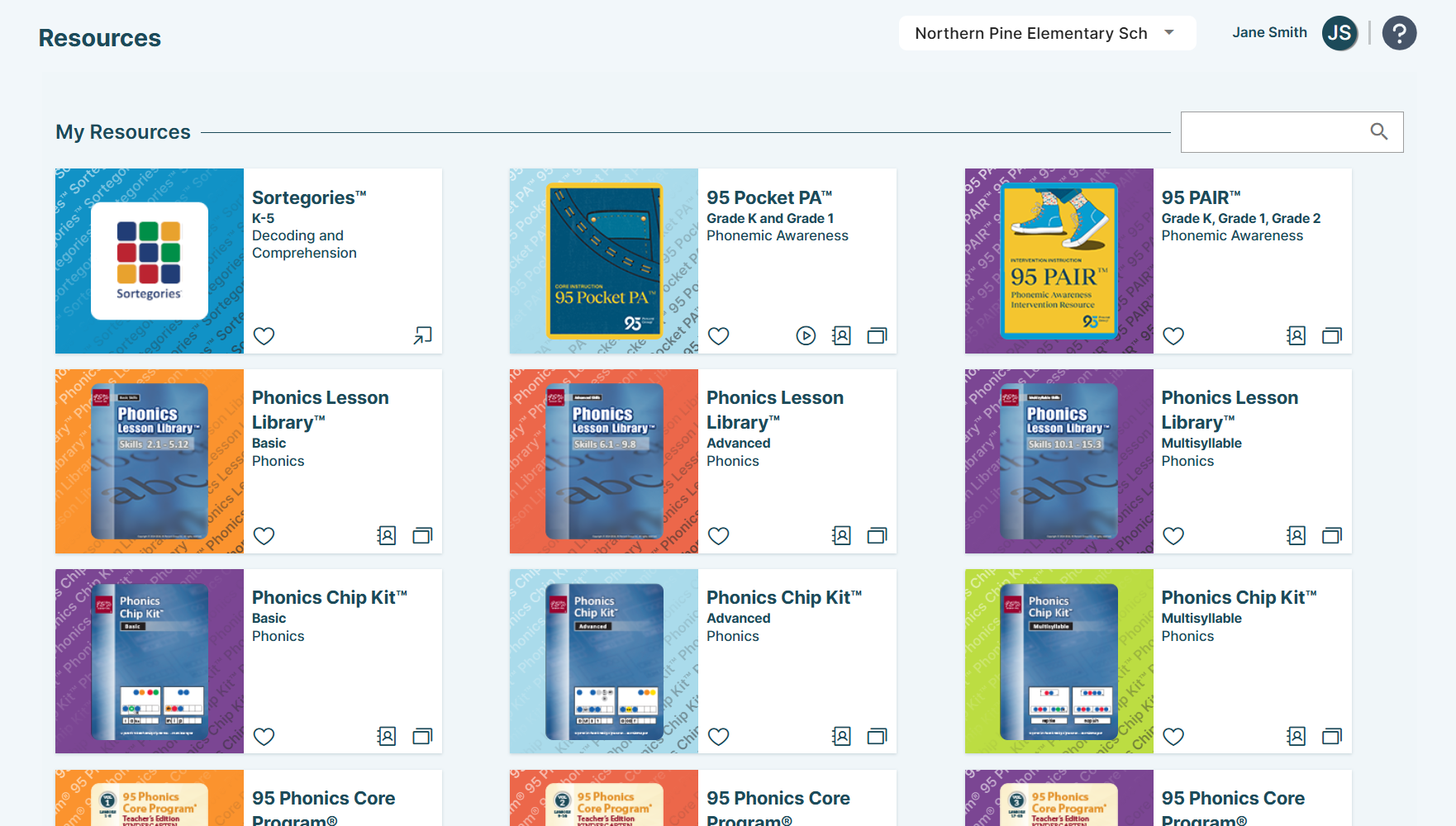
Use the search bar to filter resources if needed.
The process for accessing the playbooks differs between the PCP and Sortegories resource tiles.
PCP Resource Tiles
3. Click the files icon to access the ancillary materials index. 
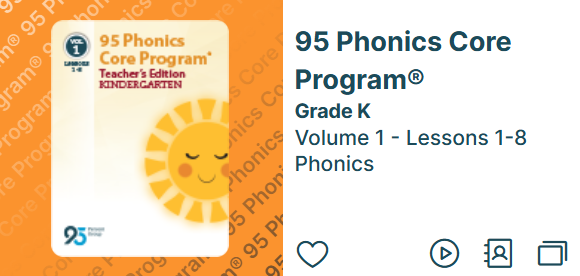
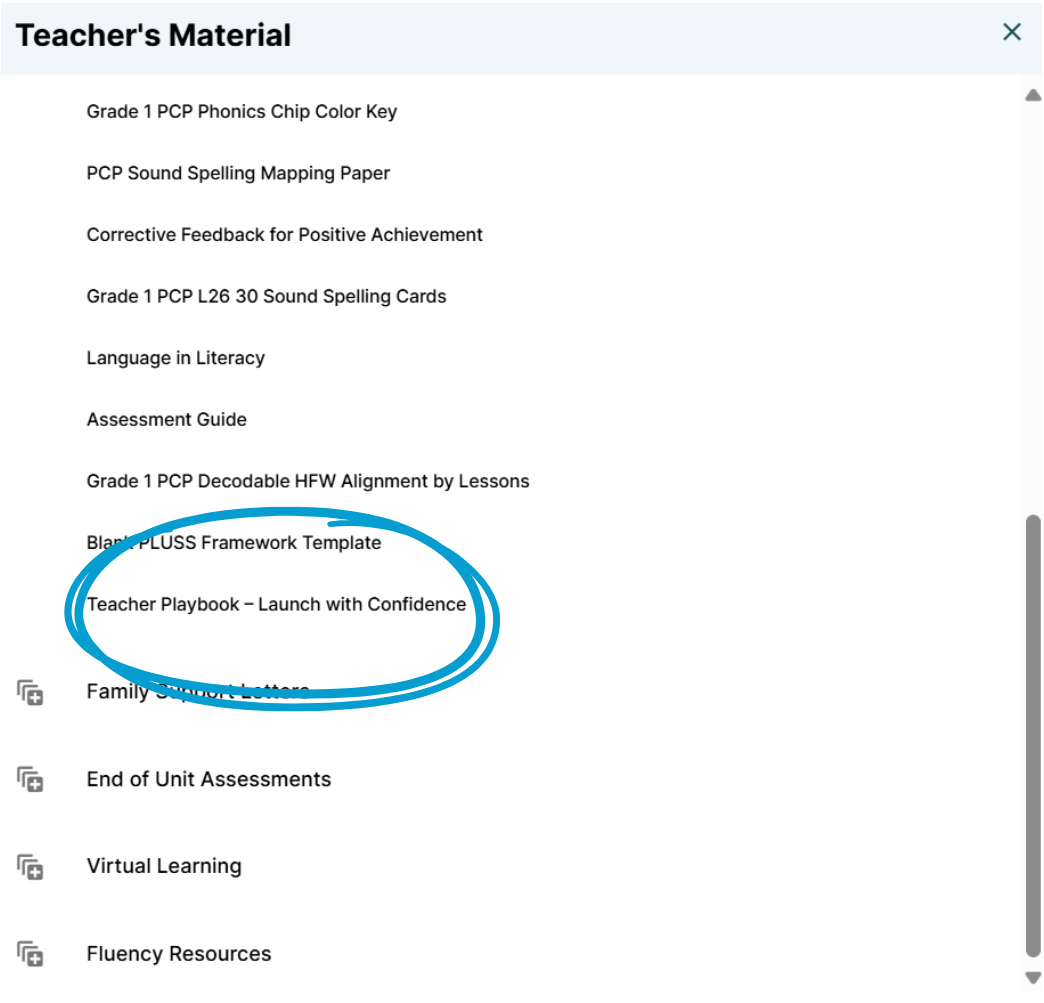
4. Expand the Teacher Information section and select Teacher Playbook – Launch with Confidence at the bottom or toward the bottom of the section.
Sortegories Resource Tile
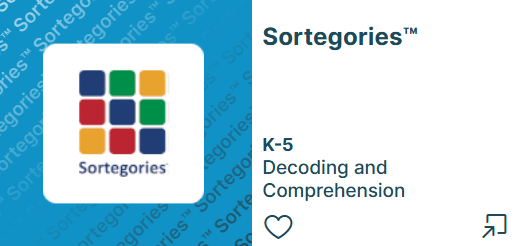
3. Click the open icon to access the ancillary materials index. 
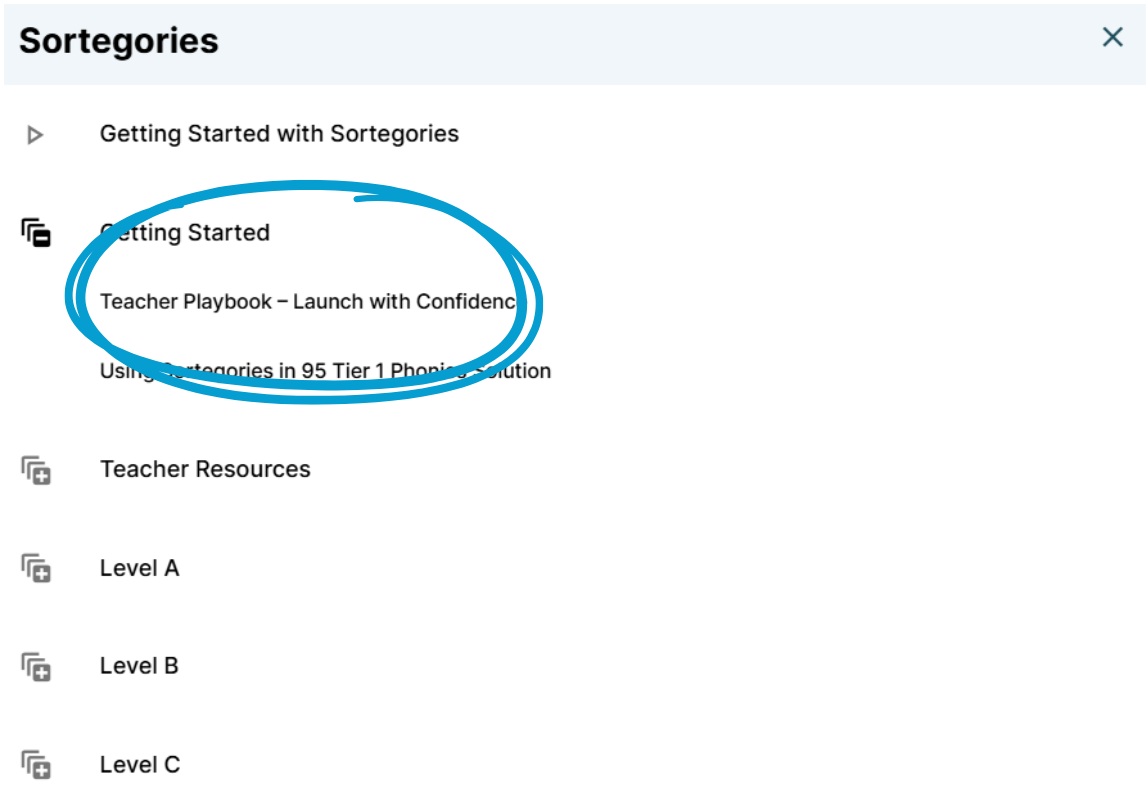
4. Expand the Getting Started section and select Teacher Playbook – Launch with Confidence at the top of the section.
95 Percent Group Support is here to help! Contact us via the knowledge base support form.
To learn more about submitting tickets, reference our article on One95 Support.
Was this article helpful?
That’s Great!
Thank you for your feedback
Sorry! We couldn't be helpful
Thank you for your feedback
Feedback sent
We appreciate your effort and will try to fix the article